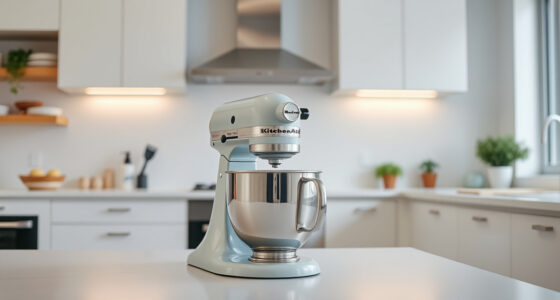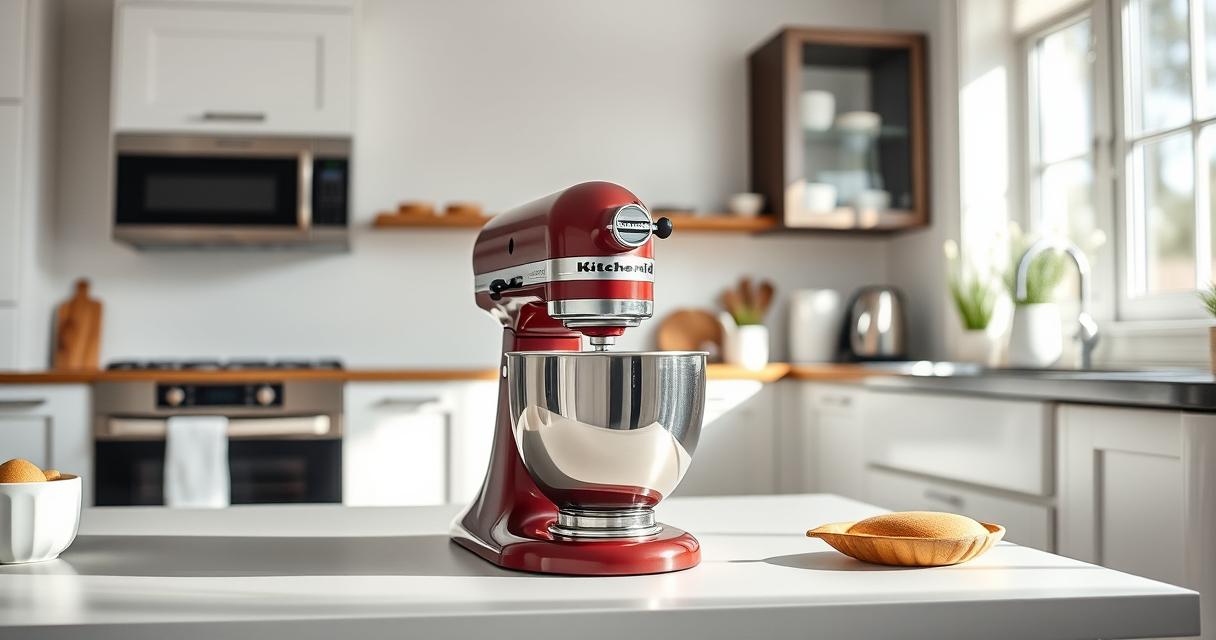

If your KitchenAid Artisan Series 5 Quart Tilt Head Stand Mixer isn’t tilting back as it should, it can be frustrating and halt your baking or cooking projects. Often, this issue is caused by simple mechanical or operational problems that can be fixed with some basic troubleshooting. Knowing what causes the tilt mechanism to stick or fail will help you address the issue safely and effectively, saving you time and potential repair costs.

Get baking supplies delivered free with Prime
- Fast, free delivery on millions of items
- Prime Video, Amazon Music and more included
- Member-only deals all year
In this guide, we’ll walk you through common causes for a tilted mixer that won’t move, detailed step-by-step fixes, and tips to keep your mixer working smoothly. Whether the tilt head is stuck in the down position or won’t lock securely, our instructions will help restore proper function and ensure safe use of your KitchenAid stand mixer.
Key Takeaways
| Common causes | Mechanical obstructions or misaligned parts can prevent tilting. |
| Safety first | Always unplug before attempting repairs or inspections. |
| Regular maintenance | Cleaning and lubrication prevent sticking. |
| Step-by-step fixes | Follow precise instructions to safely resolve the issue. |
| When to seek help | Persistent problems may require professional service. |
Identify the Cause of the Tilt Mechanism Failure
Before attempting any fixes, determine why your KitchenAid tilt head won’t move back. Common causes include debris or food buildup, misaligned or damaged parts, or mechanical obstructions. Check if the tilt head is stuck in the down position or won’t lock in place when raised. Noticing these symptoms helps you target the right solution and avoid unnecessary disassembly.
In my experience, most issues stem from accumulated dust or sticky residues around the tilt pin or hinge, especially if the mixer isn’t cleaned regularly. Also, worn or damaged tilt lock mechanisms can cause the head to stay in place or refuse to tilt back.
Step-by-Step Fixes for a Tilt Head That Won’t Move
- Unplug the mixer: Always disconnect from power before working on your appliance to ensure safety.
- Remove the attachment: Detach any accessories and the pouring shield for easier access.
- Inspect the tilt hinge: Look for visible debris, food particles, or buildup around the hinge and tilt pin. Wipe clean with a damp cloth or soft brush.
- Lubricate the hinge: Apply a small amount of food-grade lubricant or silicone spray to the hinge pin and moving parts. Avoid over-lubricating to prevent excess residue.
- Check for damage: Examine the tilt lock mechanism and hinge for signs of wear, cracks, or broken parts. Replace damaged components if necessary.
- Test the tilt: Gently lift the head back and forth to see if it moves freely. If it sticks, repeat cleaning and lubrication.
- Reassemble and test: Once the parts are clean and lubricated, reassemble everything, plug in the mixer, and carefully test the tilt function.
Tips and Safety Warnings for Maintaining Your Mixer
- Regular cleaning: Wipe the hinge and tilt mechanism after each use to prevent buildup.
- Avoid forcing the tilt: Never force the tilt head if it feels stuck—force can damage the hinge or lock mechanisms.
- Use minimal lubrication: Too much lubricant can attract dust or debris, leading to more issues over time.
- Check for worn parts: Periodically inspect the tilt lock and hinge for signs of wear and replace if needed.
- Seek professional help: If the issue persists after cleaning and lubrication, consider contacting an authorized service center to prevent further damage.
Remember, safety is paramount. Always unplug your mixer before inspecting or repairing any internal parts. Do not attempt to disassemble the motor or internal electronics unless you are qualified, as this can pose safety risks or void your warranty.
When to Call a Professional or Replace Your Mixer
If your mixer continues to have tilt issues despite cleaning, lubrication, and minor repairs, it may be time to consult a professional technician. Persistent mechanical failure could indicate internal damage or worn components that require specialized tools and replacement parts. Depending on the age and condition of your mixer, professional repair might be more cost-effective than replacement.
In some cases, if your mixer is older or extensively damaged, replacing it with a new unit such as the KitchenAid Artisan Series 5 Quart Tilt Head Stand Mixer (featured product) might be the best choice to ensure safety and performance.
The Products in This Guide

KitchenAid Artisan Series 5 Quart Tilt Head Stand Mixer
- ✔ Power: 325 watts
- ✔ Weight: 26 pounds
- ✔ Warranty: 1 year

KitchenAid Stand Mixer Attachment
- ✔ Weight: 8 pounds
- ✔ Dimensions: 14 x 7 x 12 inches
- ✔ Warranty: 1 year
KitchenAid Artisan Series 5 Quart Tilt Head Stand Mixer
<p>The KitchenAid Artisan Series 5 Quart Tilt Head Stand Mixer is built with durable metal construction and features 59 touchpoints for thorough mixing. Its tilt-head design offers easy access to the bowl, making it convenient to add ingredients. However, tilt head problems can happen due to debris buildup or mechanical misalignments.</p> <p>Regular maintenance and gentle handling will help keep your mixer functioning smoothly. If problems persist, troubleshooting can often resolve the issue quickly without professional repair.</p>
Pros:
- Durable metal construction
- Easy tilt-head access
- Multiple speed settings
- Large 5-quart bowl
Cons:
- Can develop tilt issues over time
- Requires regular cleaning
- Potential wear on tilt lock parts
Best for: Home bakers needing reliable, versatile mixing
Not ideal for: Heavy use or neglect may lead to mechanical problems
Bottom line: A sturdy, versatile mixer with some care, but watch for tilt mechanism wear.
KitchenAid Stand Mixer Attachment
<p>The KitchenAid Stand Mixer Attachment Food Grinder allows you to process meat, vegetables, and more with ease, expanding your culinary options. It connects directly to the power hub of your KitchenAid mixer, making it a seamless addition for home cooks who enjoy fresh, homemade ingredients. Regular cleaning and proper use ensure optimal performance, especially if your mixer’s tilt head is working correctly.</p> <p>This attachment is especially handy for making sausage or grinding fresh meat, giving you control over ingredients and texture.</p>
Pros:
- Expands mixer functionality
- Easy to clean
- Includes multiple grinding plates
- Sturdy metal construction
Cons:
- Requires space for storage
- Additional cost
- Needs proper cleaning after use
Best for: Home cooks wanting fresh ground foods
Not ideal for: For those not interested in grinding or sausage making
Bottom line: A versatile attachment that turns your mixer into a meat grinder and more.
Frequently Asked Questions
Can I fix the tilt head myself?
Yes, with proper cleaning, lubrication, and inspection of the hinge and lock parts, many tilt head issues can be resolved at home. Always unplug your mixer before attempting repairs.
What should I do if the tilt head is stuck in the down position?
First, ensure the mixer is unplugged. Clean any debris or buildup around the hinge and tilt pin. Lubricate the hinge lightly with food-grade lubricant. If it remains stuck, inspect for broken or worn parts and replace if necessary.
How often should I clean the tilt mechanism?
It’s best to clean the hinge and tilt area after every few uses, especially if you notice sticking or resistance. Regular cleaning prevents buildup and prolongs the life of the parts.
Is it safe to lubricate the hinge?
Yes, using a food-grade silicone spray or appropriate lubricant designed for kitchen appliances is safe. Avoid over-lubricating, and wipe away excess to prevent dirt accumulation.
When should I consider professional repair or replacement?
If cleaning and lubrication don’t resolve the tilt issue or if parts are visibly damaged or worn, consult a professional or consider replacing the mixer to ensure safe operation.
Keep Your Mixer Moving Smoothly
A stuck tilt head doesn’t have to mean the end of your baking adventures. With regular maintenance, simple troubleshooting, and careful handling, you can keep your KitchenAid Artisan stand mixer functioning perfectly. Remember to always prioritize safety, unplug before inspecting, and replace worn parts when necessary. Whether you fix it yourself or seek professional help, a well-maintained mixer will serve you reliably for years to come.
Affiliate disclosure: As an Amazon Associate we earn from qualifying purchases. Prices and availability are accurate as of the time of publishing.
Evergreen bestsellers Picks
bestsellers
As an affiliate, we earn on qualifying purchases.